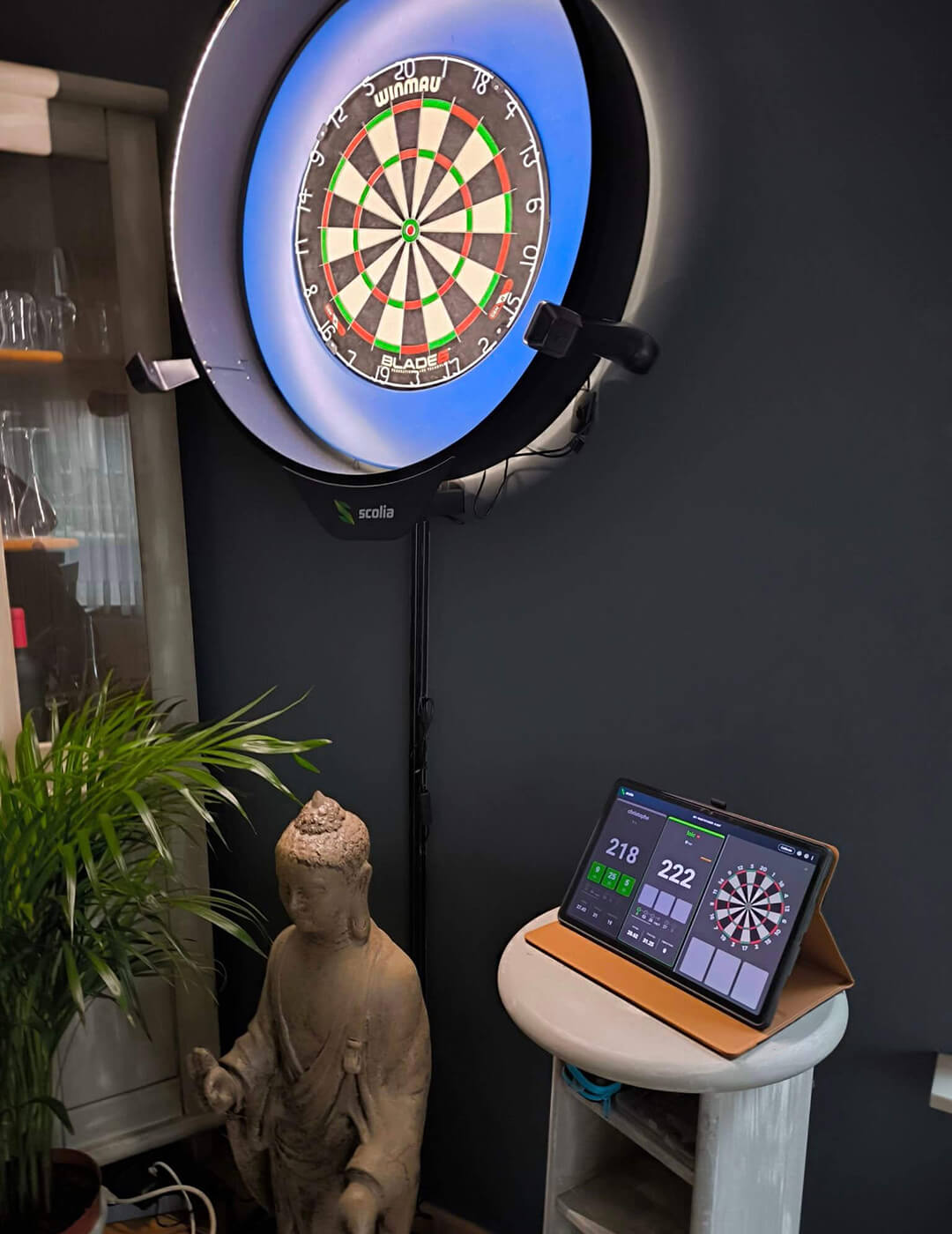
Scolia Home 2
Autoscoring redesigned
Elegant, clean design
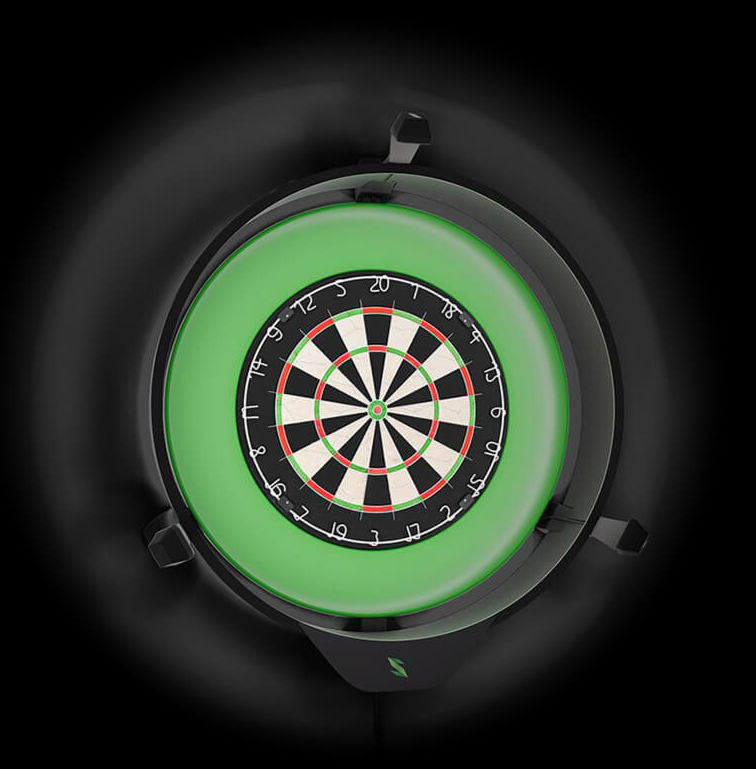
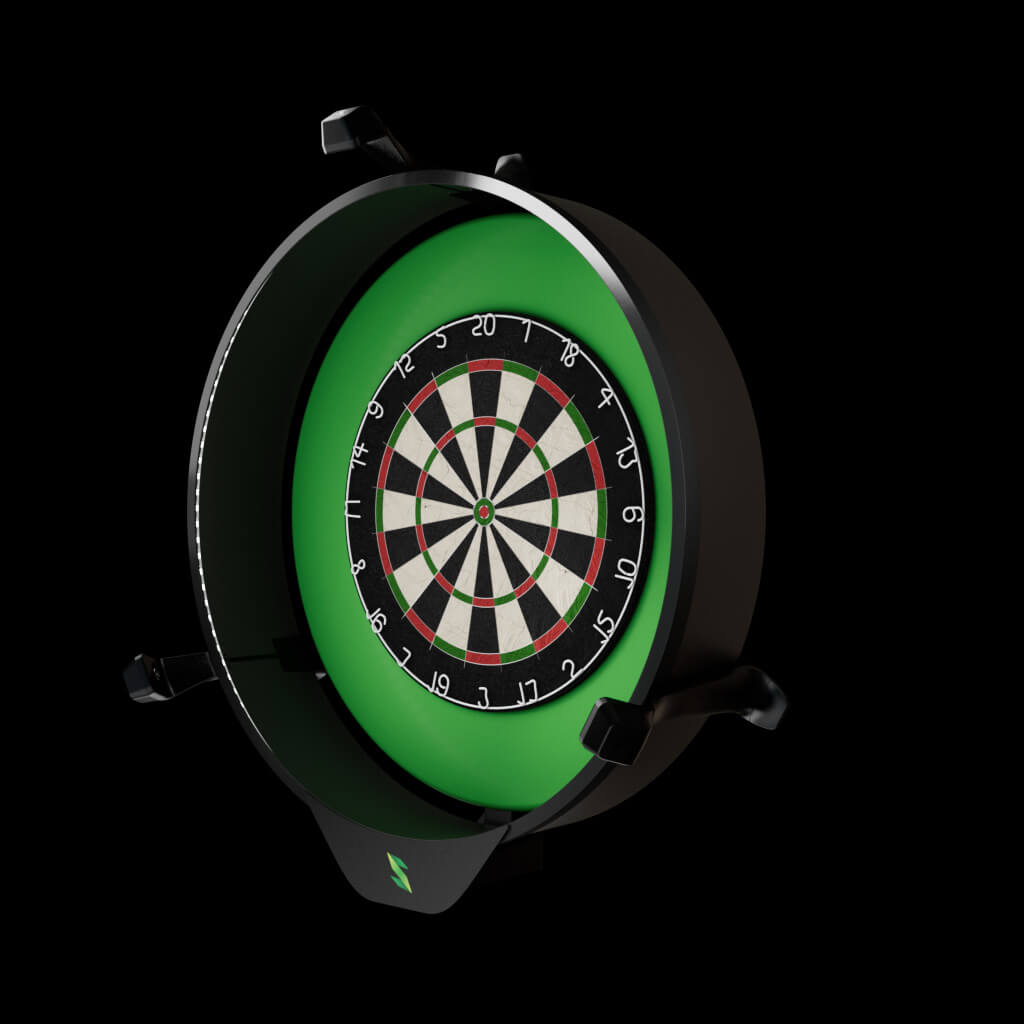
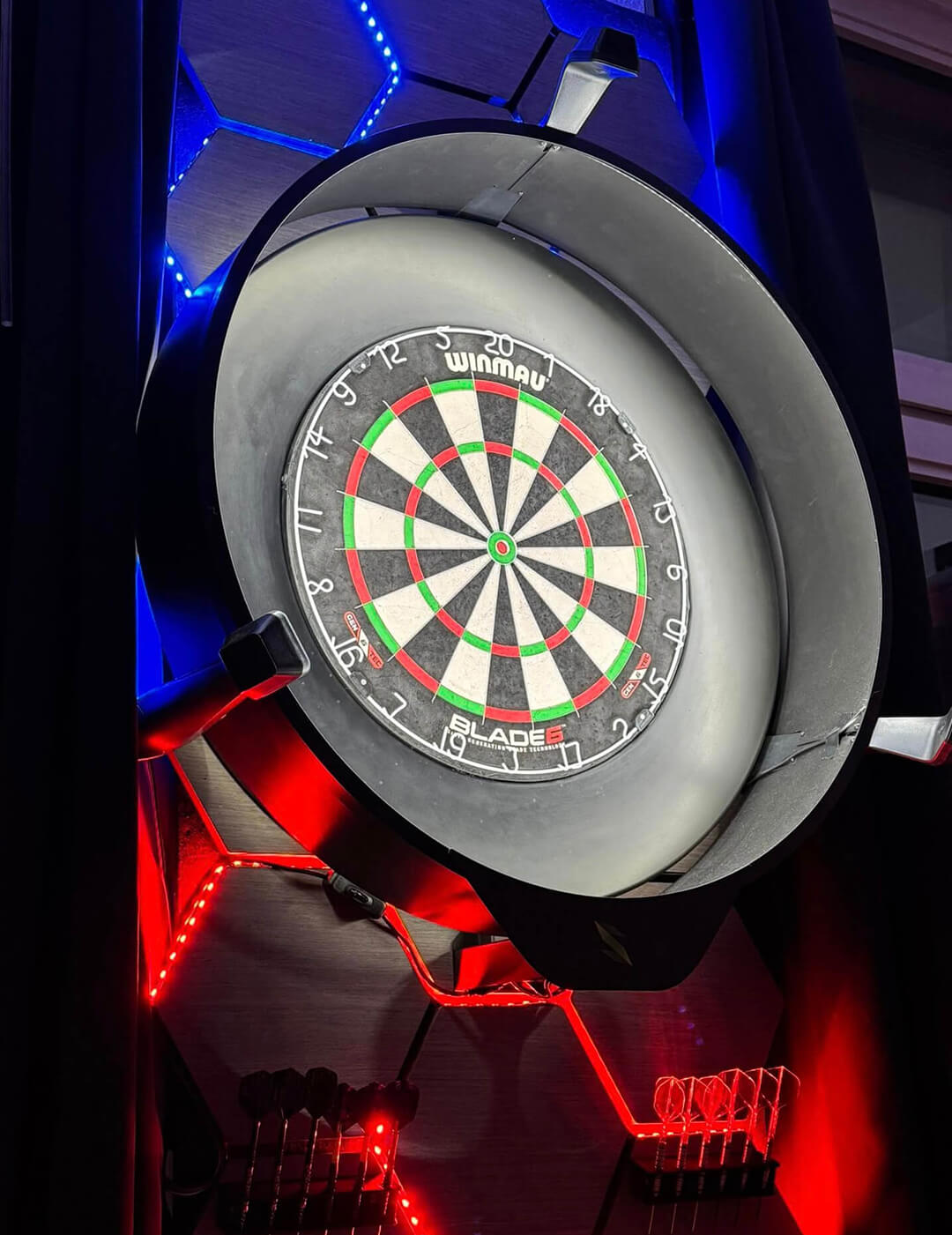
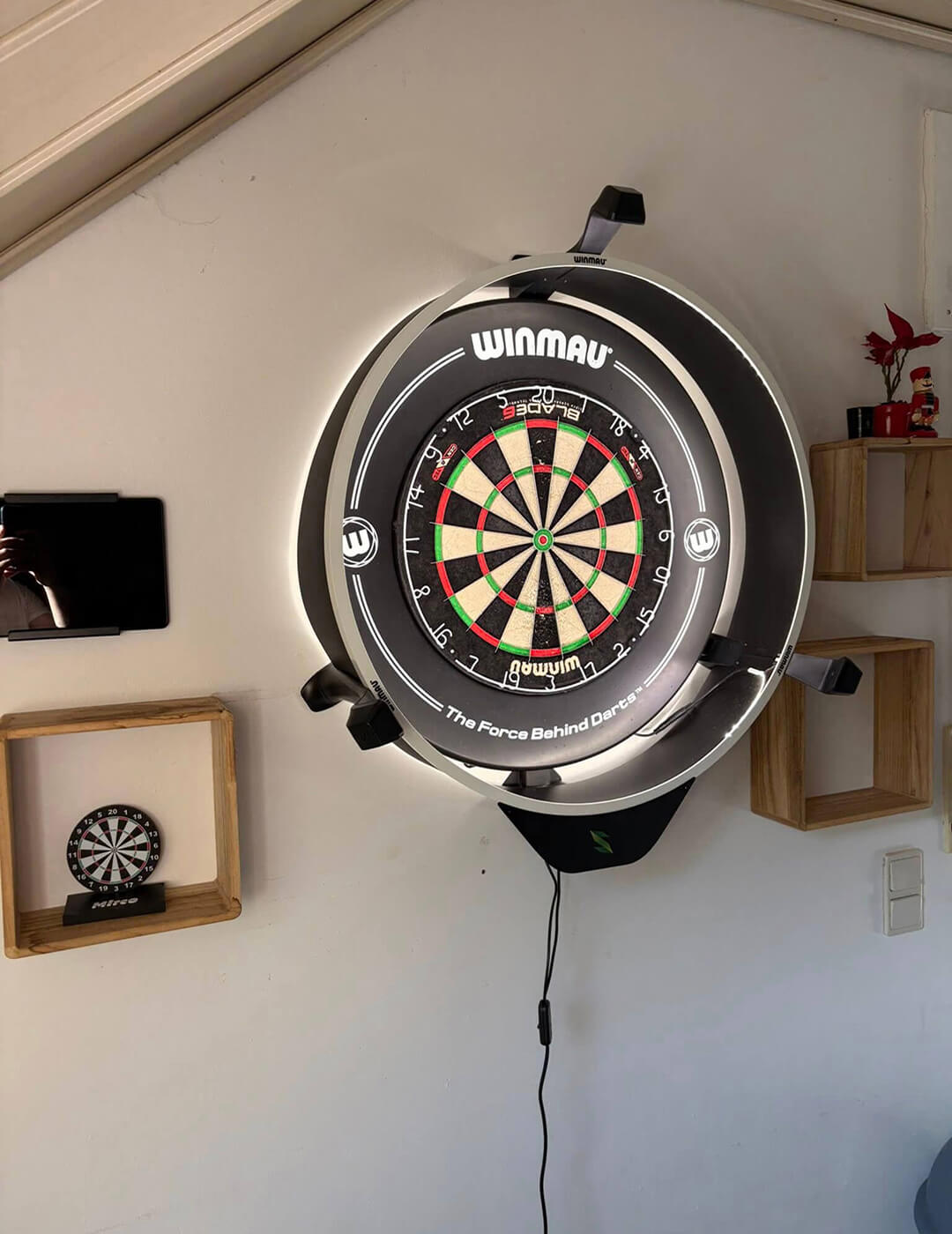
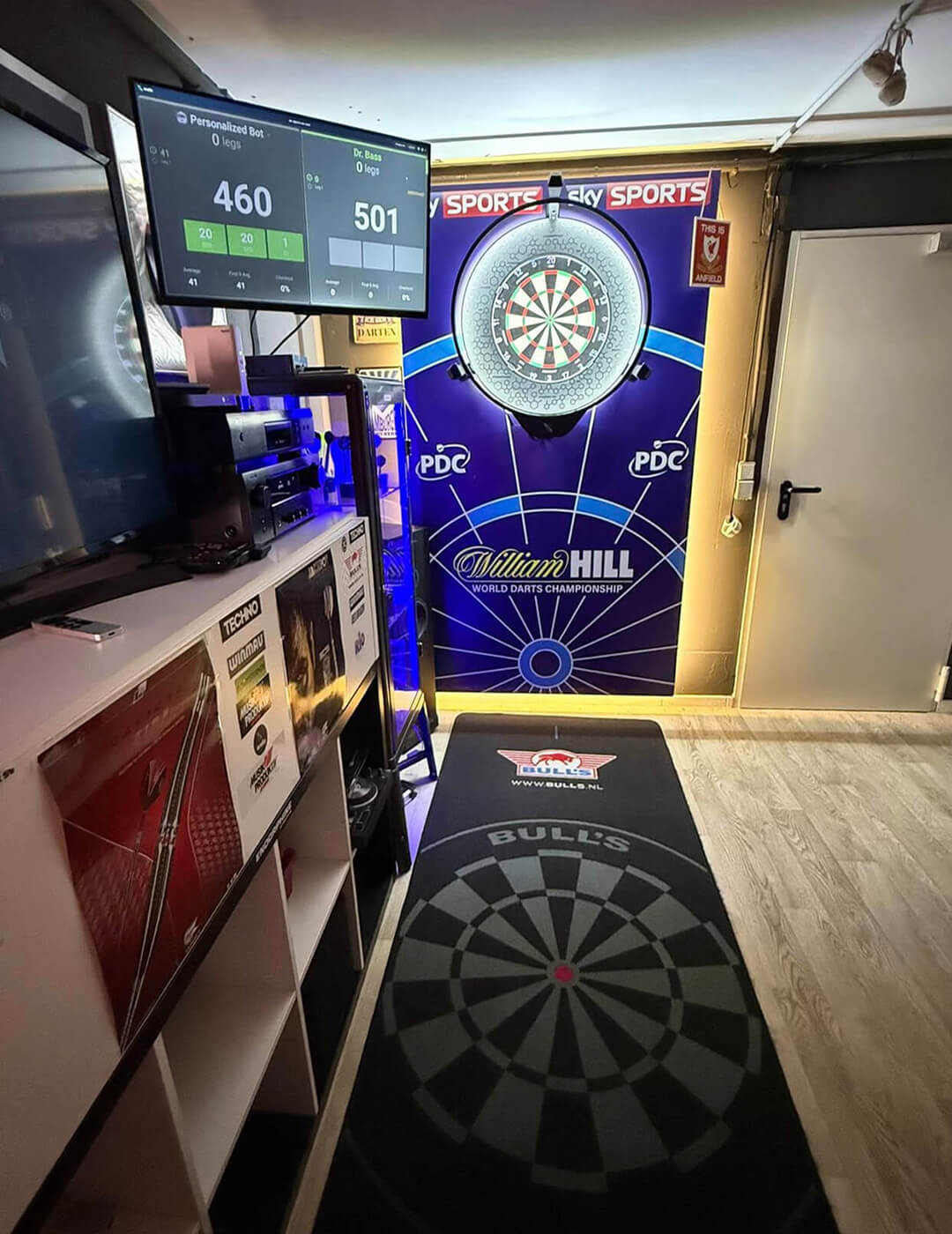
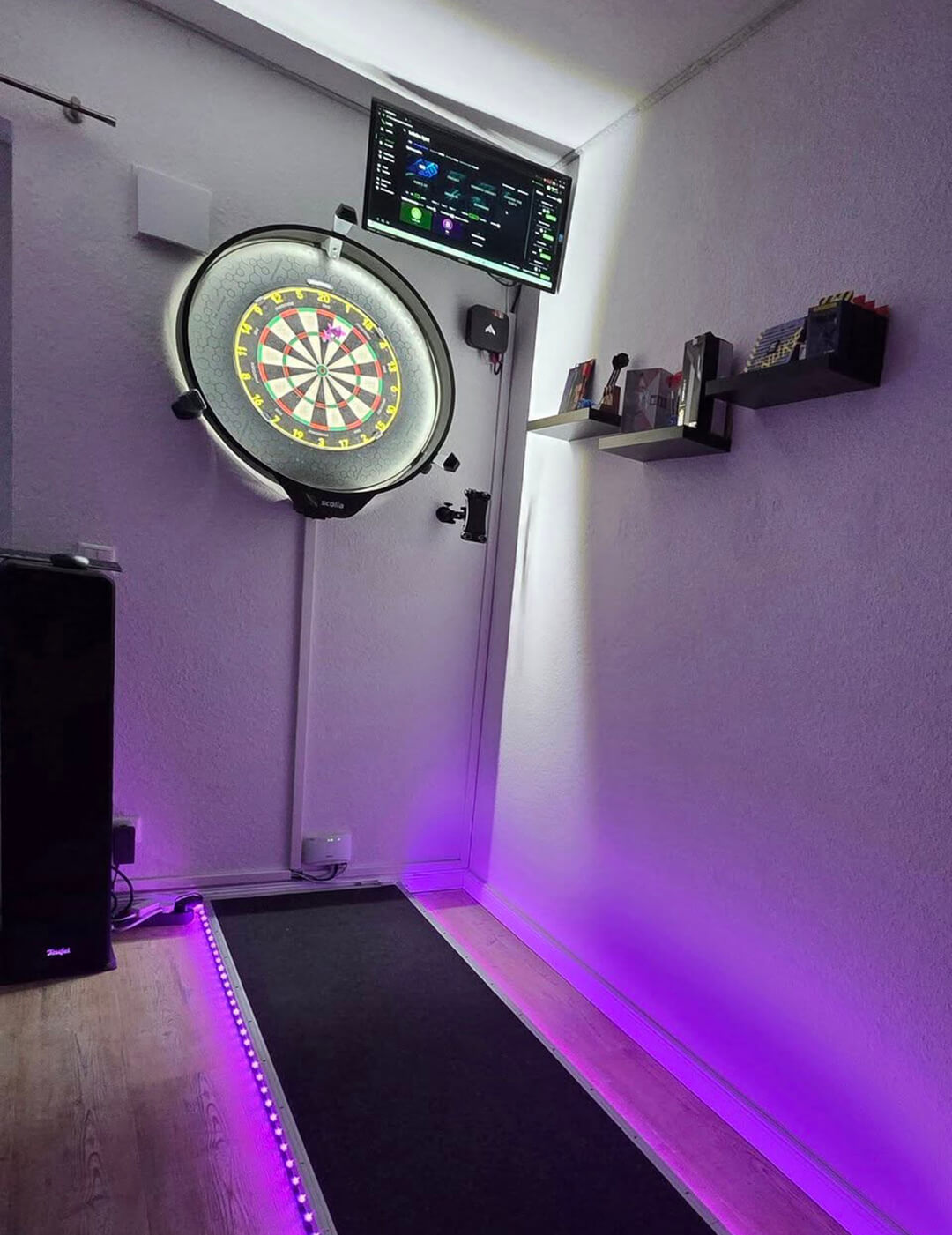
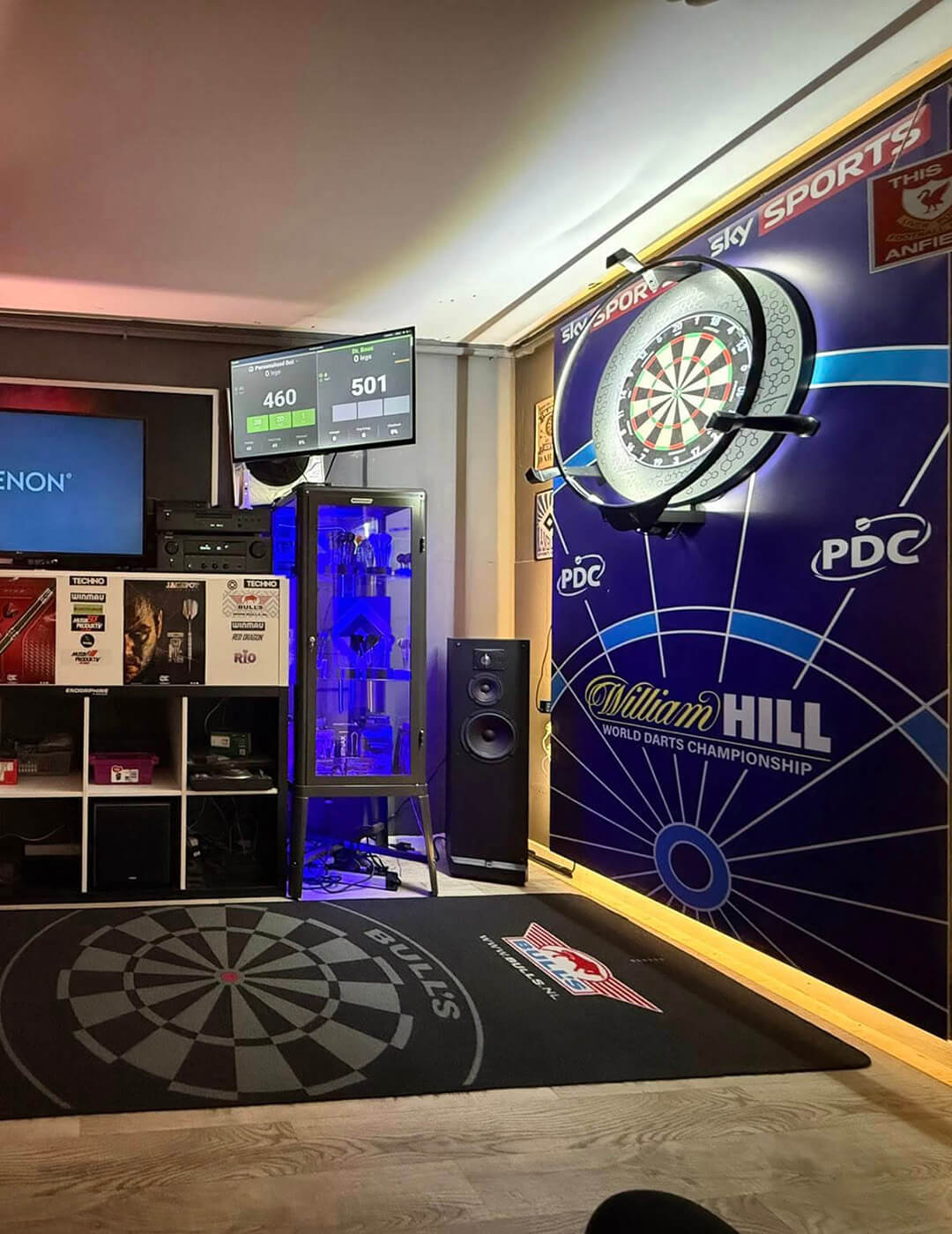
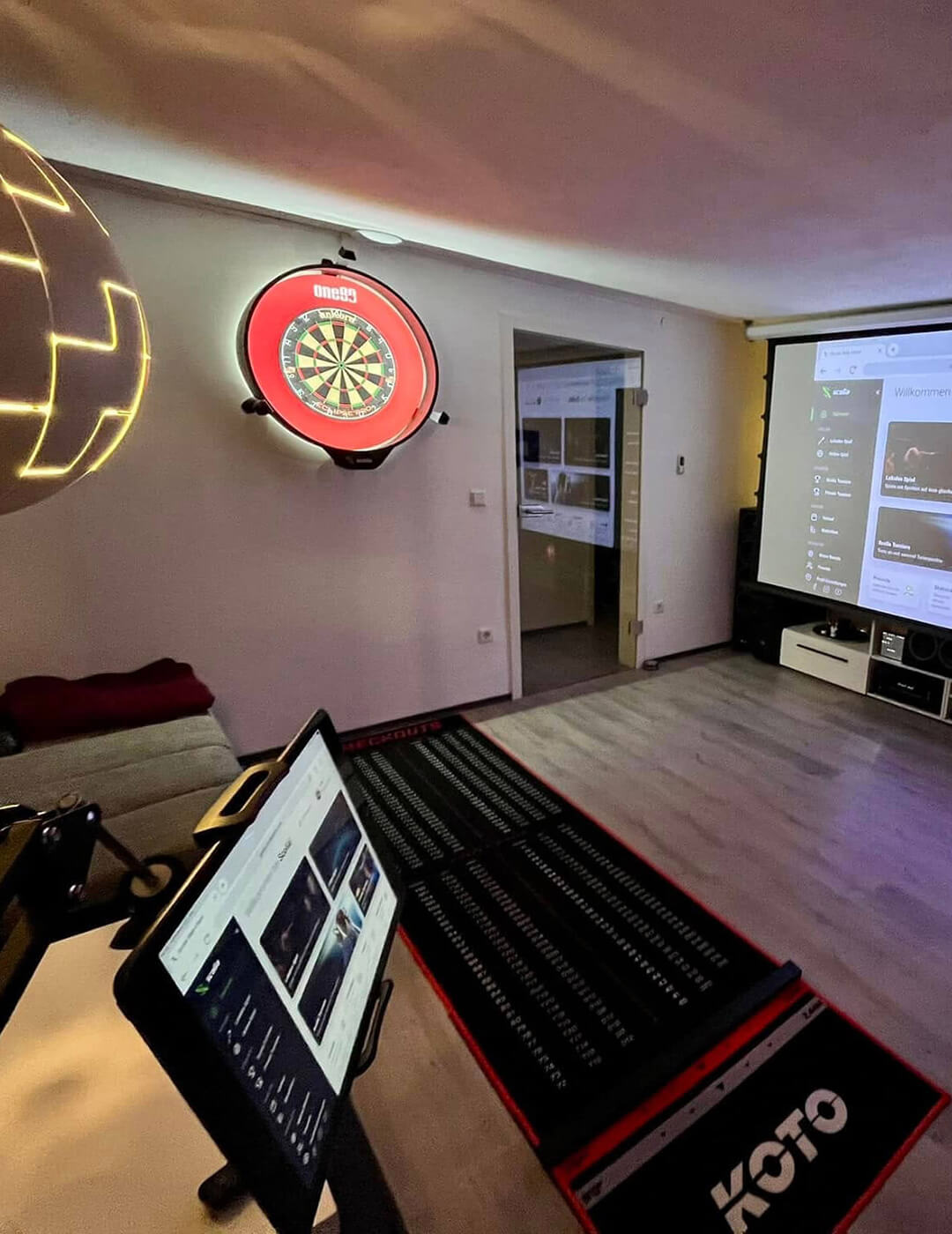
The clean lines and the airy, symmetrical design provide a balanced visual field, helping concentration and precision.
Functional design
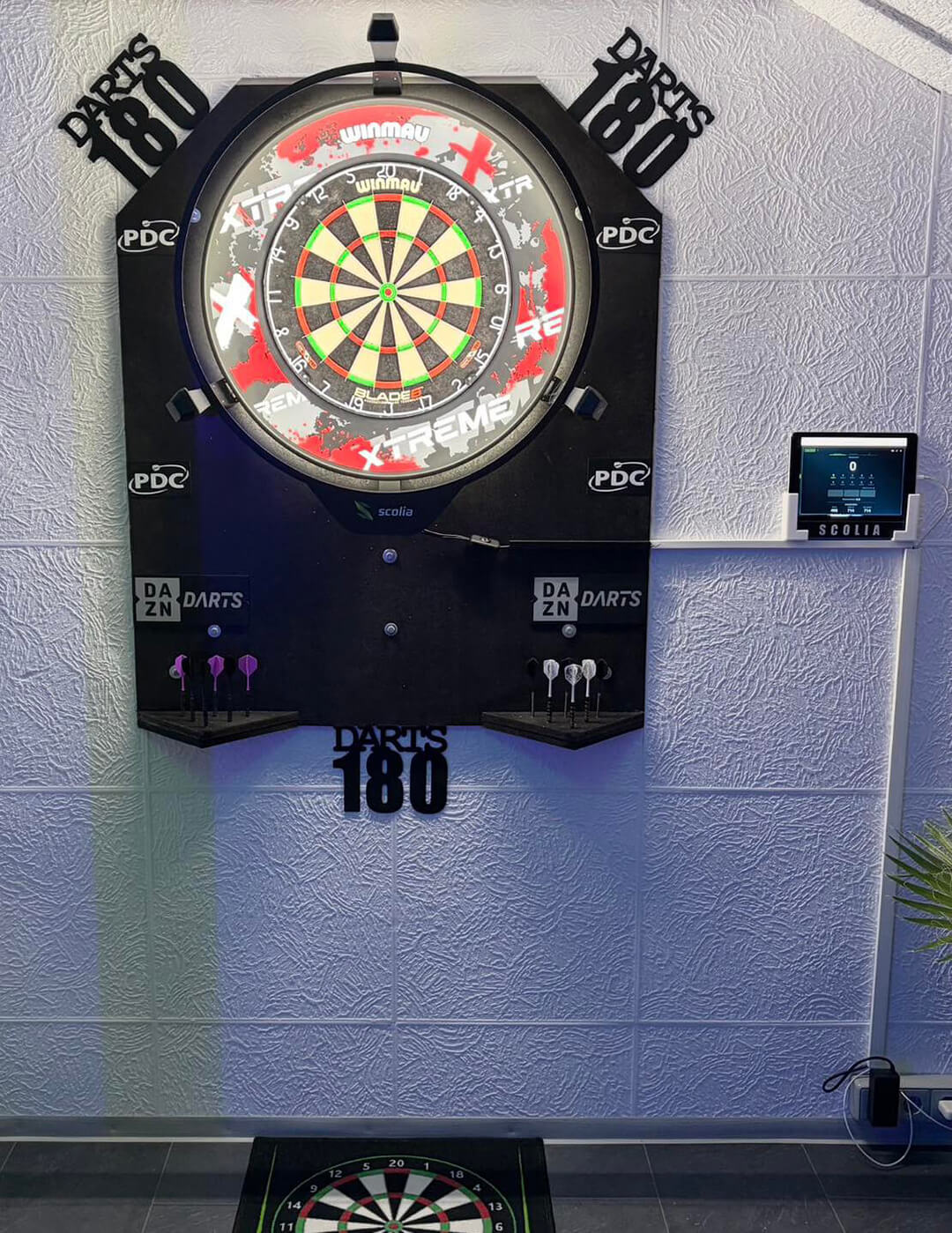
The cutting-edge design of Home 2 provides maximum convenience during everyday use.
Perfect symmetry
The clean lines and the airy, symmetrical design provide a balanced visual field, helping concentration and precision during your game.
Fixed camera legs
Stable wall mount
Wireless connection
Optional side covers
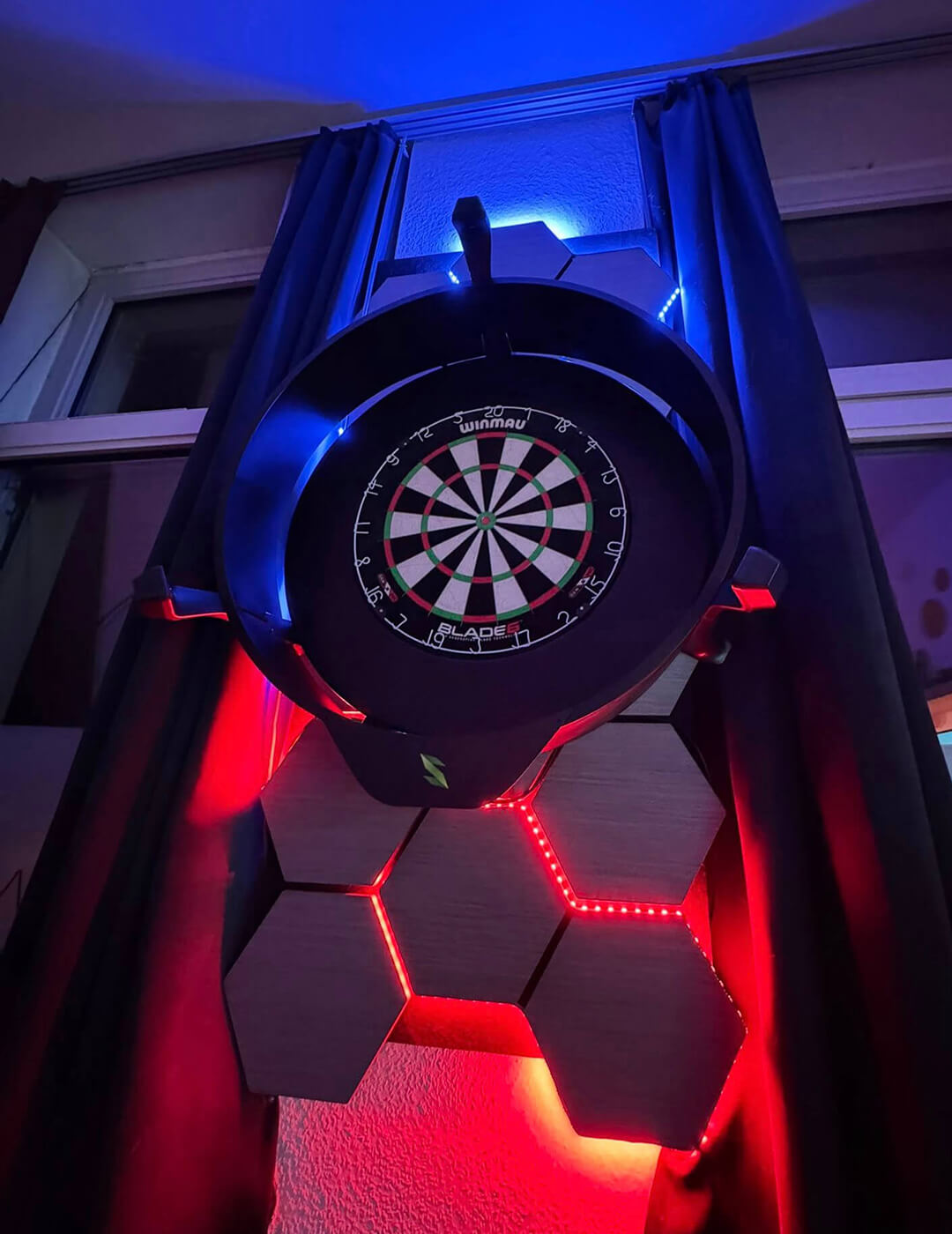
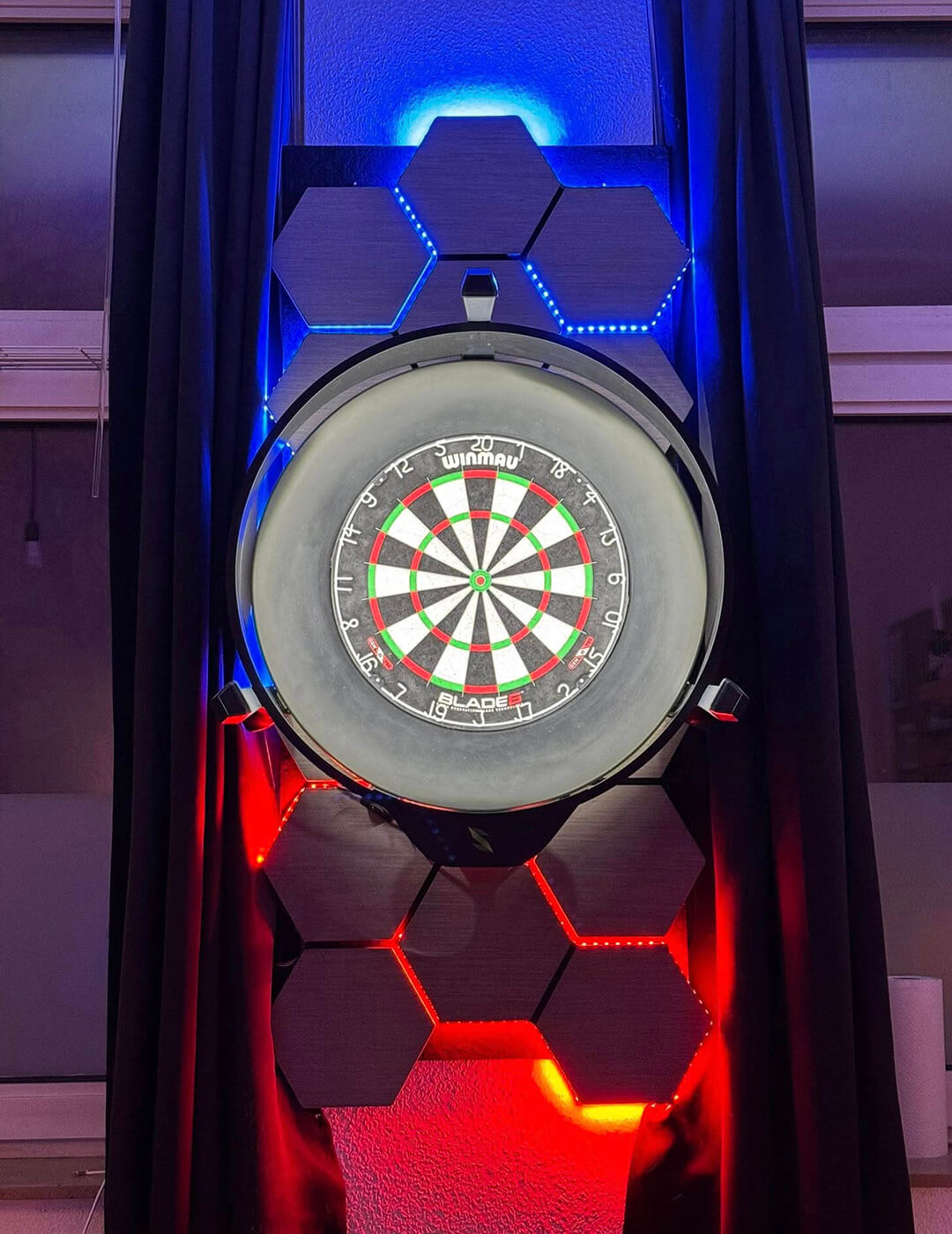
Compatible with Winmau Plasma
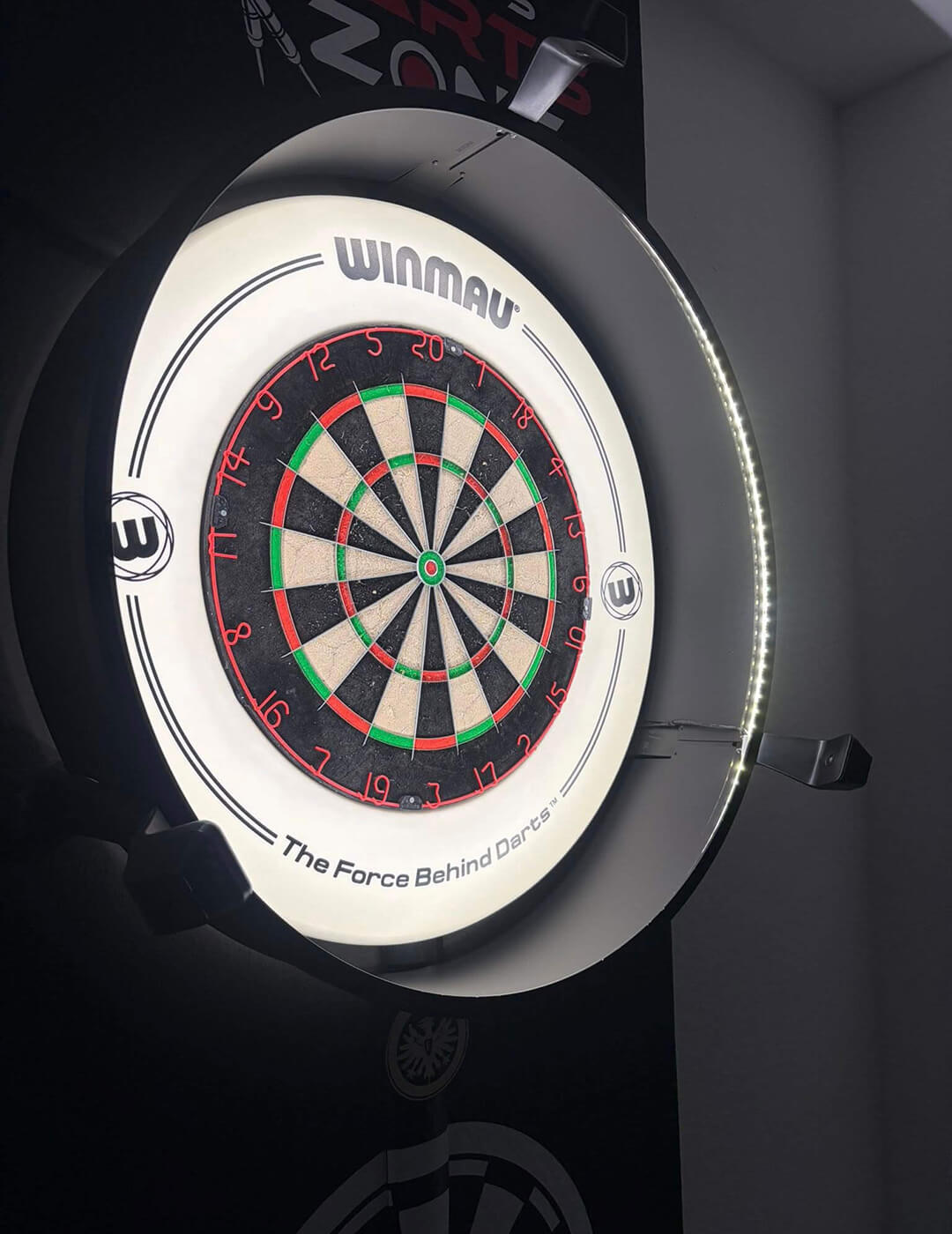
No additional drilling is necessary if you already have a Winmau Plasma. The camera legs of the Home 2 are designed to fit seamlessly with the popular light surround.
Winmau Blade 6 Triple Core support
Like its predecessors, the Home 2 supports standard dartboards with a traditional white metal number ring. Moreover, the enhanced image processing algorithm now also ensures smoother performance with the popular Winmau Blade 6 Triple Core and the Unicorn Eclipse Pro dartboards.
Millimetre precision
The sophisticated image processing algorithm of Scolia Home 2 determines the coordinates of each throw with millimetre precision. Based on our research, the accuracy of Scolia Home 2 is roughly 99.5%, which means you can easily play for hours without correcting a single throw.
This metric is derived from empirical data obtained through our research and our userbase. Actual performance may vary depending on specific circumstances.
Automatic calibration
Like every Scolia system, the Home 2 calibrates its cameras completely automatically within a few seconds on every start-up. You don’t have to worry about tiresome manual calibration processes, the system is completely plug and play.
Home 2
Upgrade Program
If you already own a Scolia Home system and would like to enjoy most benefits of the Home 2 product, we got you covered! Since we want to provide the best possible service to our existing customers as well, we are going to offer an inexpensive Visual Upgrade Kit to all Scolia Home owners.
The kit includes all components of the Home 2 product except for the Home 2 processing unit. By purchasing this Upgrade Kit, you can make your original Scolia Home system compatible with the Winmau Plasma light surround and you don’t have to worry about adjusting the hinge joints of your cameras.
The Upgrade Kit is available to owners of Scolia Home systems with the version of 2.1.0 or later.
Please note that the upgrade does not include the following features as they are part of the Home 2 processing unit:
- native WiFi compatibility
- full support for the Winmau Blade 6 Triple Core dartboard
If you are interested in being part of this Upgrade Program, please fill the form below and we will get back to you with more details. Registering through this form is non-binding and does not constitute an order.
The first Home 2 Upgrade Kits are going to be shipped on September 2, 2024.
Frequently asked questions
Apart from a standard steel-tip dartboard, you will need a 75 by 85 cm flat surface around your dartboard on a solid wall (preferably brick or concrete).
If you purchase the Scolia Home 2 system without a light ring, you will also need a Winmau Plasma light surround to mount the complete system.
While wired Internet access is not necessary, it is highly recommended for best performance.
For detailed instructions, read our step-by-step installation guide or watch our assembly video.
You can purchase Scolia Home 2 with or without a light surround. Apart from the Scolia light ring, Scolia Home 2 is compatible with the Winmau Plasma light surround. We recommend buying the Scolia Home 2 system without a light surround if you already have a Plasma light. We cannot provide performance guarantees for installations that use different light surrounds.
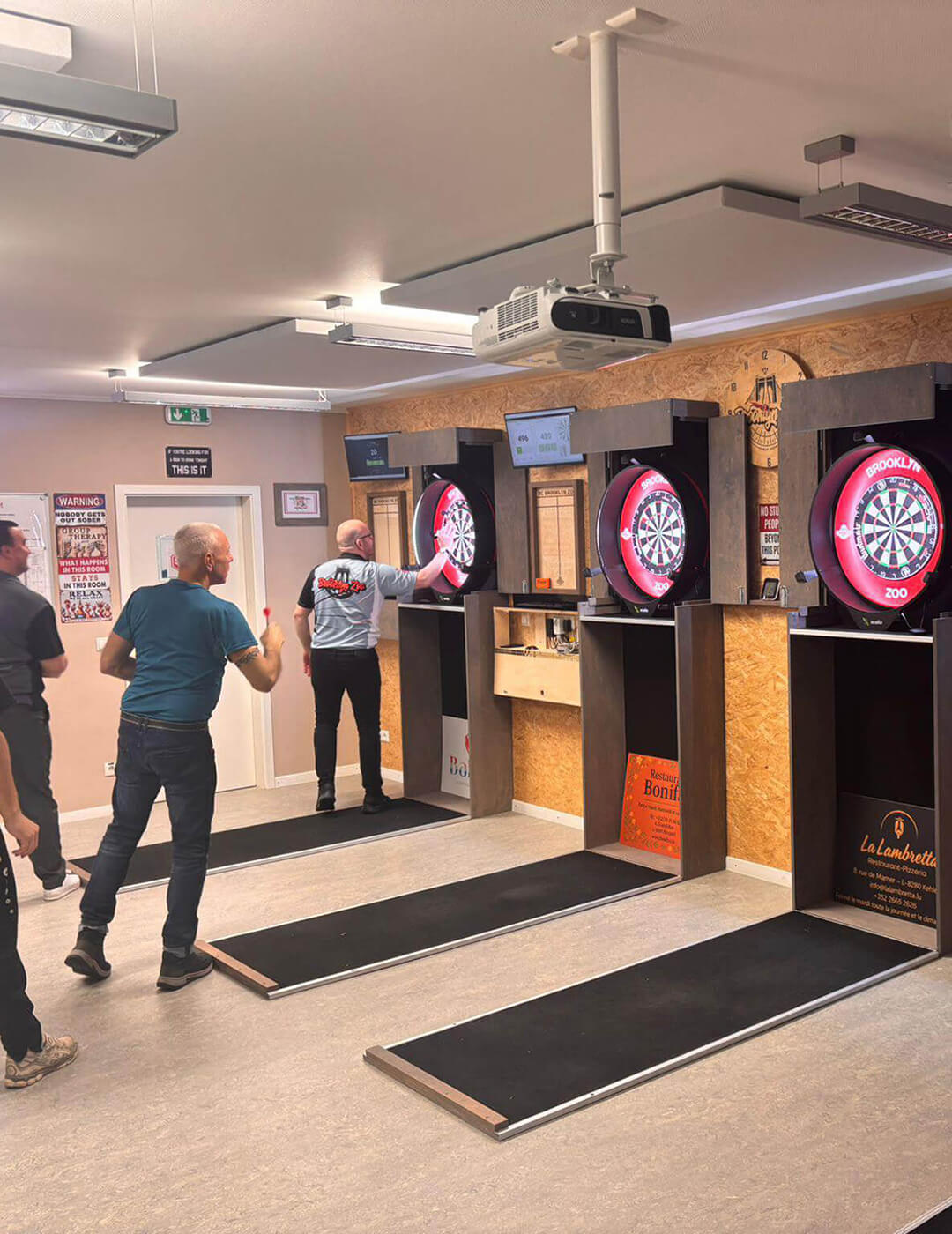
Yes, Scolia Home 2 is designed to satisfy the demands of various environments, such as offices, darts clubs and darts bars. The robust yet elegant design ensures reliable performance and durability in all circumstances. Once the system is installed, there is no need for any manual adjustment or calibration during everyday use.
For best performance, we highly recommend using a LAN cable to connect your Scolia unit directly to your router, as it offers the best and most stable connection. Scolia Home 2 supports native WiFi connection, but bear in mind that the performance of the system is heavily affected by the quality of your WiFi network.
You can use wireless internet connection for your client device. However, depending on the quality of your wireless access network, you can experience large variance in response times. Therefore, if latency is crucial for you, we recommend using wired connection for the client device for the best user experience. For instance, you can open the Scolia web application on your PC and redirect its screen to a monitor/TV near the dartboard. If you want to mirror the user interface of your tablet/smartphone to a TV, you have many options to do so: depending on your platform, you can check your options for Android and iOS.

Yes, Winmau Blade 6 Triple Core dartboards are fully supported by Scolia Home 2.
Yes, the full functionality of the Scolia web application is available free of charge not only for Scolia Pro and Home owners, but for anyone who registers at game.scoliadarts.com.